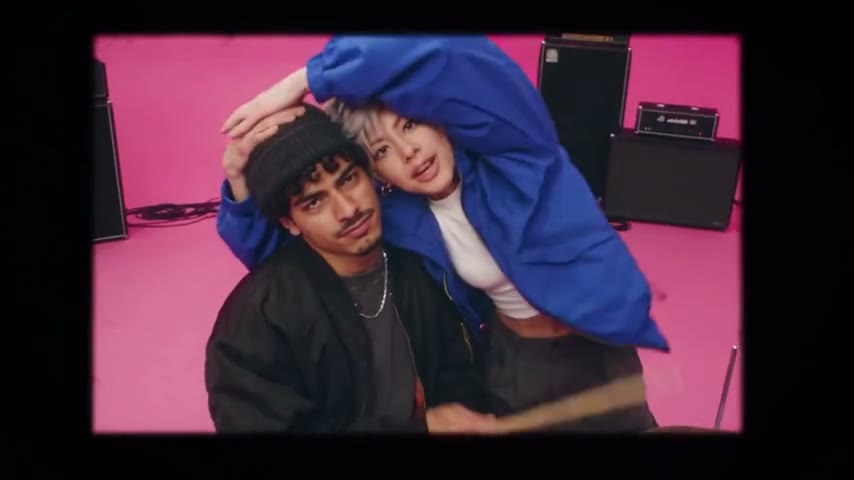
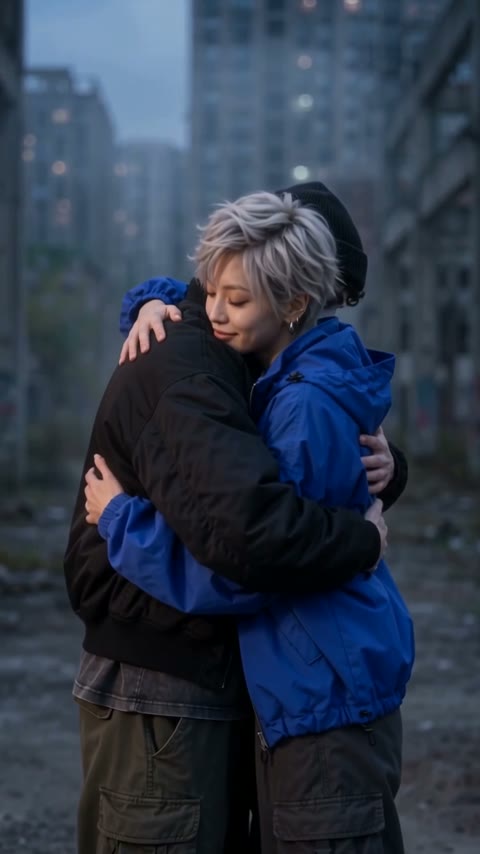
Choose your leading person
Upload one portrait for the central performer. You do not need to upload a video or select a second person.
AI TREND VIDEO STUDIO
Put yourself in the central role of a Bulin 47 style performance. One photo, an expressive scene, and your choice of sound.
Upload your photos and create a video. Completed videos will appear here for preview and download.
Photos and videos are accessible for 7 days. Deleting a completed work immediately revokes access. Active tasks cannot be deleted until resolved.
Generated example
This example was generated with the same workflow available on this page. AI motion, facial detail, and camera timing can vary between results.
Upload one portrait for the central performer. You do not need to upload a video or select a second person.
Pick 5, 10, or 15 seconds and 480p or 720p. Keep the sound on or create a silent MP4. The credit total is shown before confirmation.
When generation finishes, play your video here and download the MP4. Your task stays in your account while it is being made.
FAQ
It is a photo-to-video performance inspired by the Bulin 47 trend. The person in your photo takes the central role while the surrounding scene gives the clip its energy.
No. Upload one photo, choose your length and resolution, and confirm. The performance is already set up on this page.
Yes. Turn off “Include sound” before generating to create a silent video. Sound does not change the displayed credit price.
Use a clear, front-facing photo with one adult person and an unobstructed face. PNG, JPG, and WebP are supported. Use photos you own or have permission to use.
Your uploads and generated results are private to your account. Photos and videos are available for 7 days. Deleting a completed video immediately revokes access; a running task can be deleted after it finishes.
PHOTO → VIDEO
Pick a performance or a little movie. Upload your photos, choose the sound, and make it yours.
Keep exploring: Hotel Lobby duetPhoto singing